The quote is in one place. The deposit is in another.
A list of costs does not tell you what you have already paid or what is still due.
For couples planning their own wedding
Digital files in English.
Bring your wedding budget, payments, guests and day plan into one connected workbook.
A clean copy to make your own, a fictional worked example to learn from, and practical guides for the conversations along the way.
UK price · GBP
Outside the UK, your local price is shown at checkout.
One-time purchase · Digital files
14-day refunds, including after download.
British English · GBP workbook · Personal wedding planning
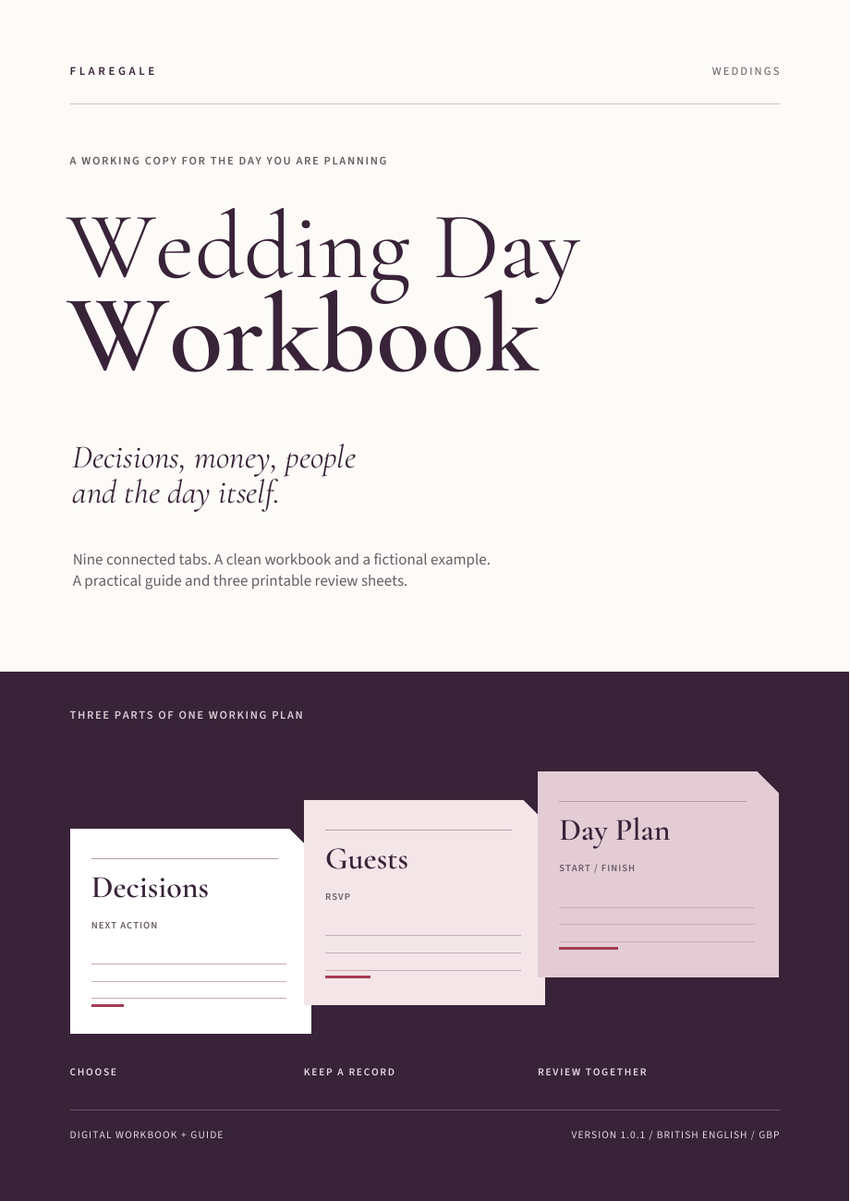
Sound familiar?
A list of costs does not tell you what you have already paid or what is still due.
Without an owner and a next action, useful ideas can stay as unfinished notes.
The accepted count, table assignments and available places need to agree.
Dates, timings, places and the person responsible are easier to review together.
What becomes easier
See agreed cost, net paid and the remaining amount as different figures.
Record an owner, date, status and one prerequisite.
Track up to 300 people and review replies and table IDs.
Use accepted-seat counts and capacity warnings when you assign guests.
Bring times, places, duration and leads into the same day plan.
See how the records connect before adding your own wedding details.
A simple way to work
The Wedding Day Workbook uses references between nine tabs, so a payment can belong to a budget item and a guest can belong to a table. You enter and maintain the records; calculations bring the figures into view.
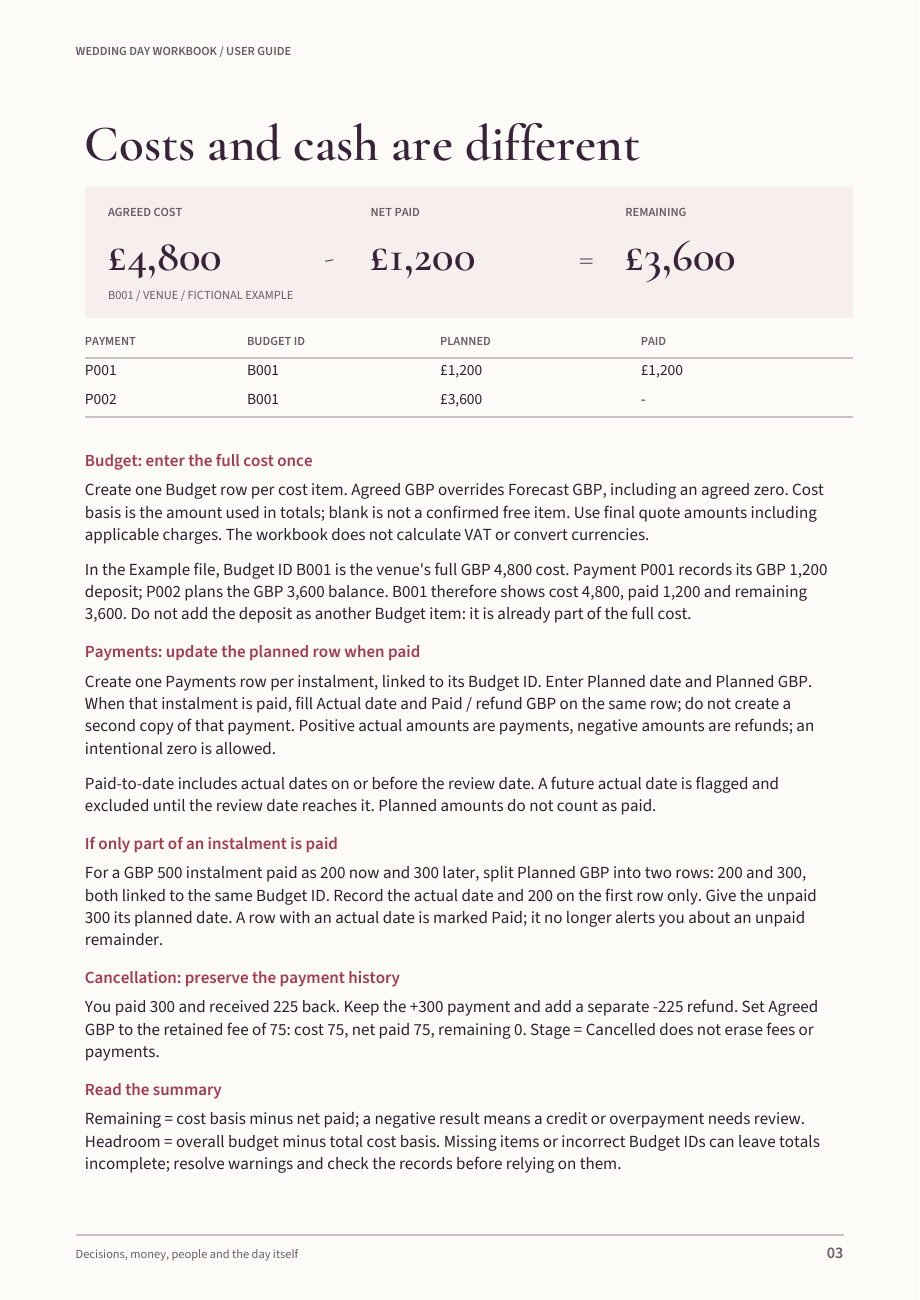
Look inside / Budget + Payments
Record the full cost once in Budget. Link each instalment or refund to it in Payments. The workbook keeps the commitment, net paid and remaining amount separate.
Fictional venue example / Budget B001
A planned balance is not counted as paid. The guide explains partial payments, refunds and what to retain when a booking is cancelled.
How you use it
Follow one fictional cost and its payments. See where each kind of information belongs.
Enter your own decisions, costs and guests. Keep one agreed working copy.
Check the dashboard, update replies and payments, and give the next action an owner.
The download
The spreadsheets hold your records. The guide and printables help you work through the decisions.
Nine tabs with editable inputs, calculations, dropdowns, filters and warning rules. Use the reserved rows for your own records.
The same structure filled with sample records, including planned payments, a refund and a guest who still needs a table.
Setup, costs, guests, suppliers, day timings and safe sharing. Includes instructions for importing a copy into Google Sheets and checking it.
Decision Note, Supplier Conversation and Weekly Review. Write together, then update the working copy.
Look inside
Actual pages and a rendered spreadsheet from the included files. All example names and amounts are fictional.
Tap or click to enlarge
Tap or click to enlarge
One plan, several views
The dashboard gathers current figures and warnings for your next review.
Start Here · Dashboard · Decisions · Budget · Payments · Guests · Tables · Suppliers · Day Plan
Add an owner, date and status. Link one prerequisite to see whether a decision is ready or waiting.
Track RSVPs, assign table IDs and see accepted seats, places left and capacity warnings.
Record date, start time, duration, place and lead. Finish times can cross midnight without losing their date.
Also included
The guide explains setup, money, guests and safe sharing. The three A4 review sheets give you space for a decision, a supplier conversation and a weekly review. Both PDFs are included in the same purchase.
Flaregale Weddings
Save a clean copy, enter your first records and review the next actions together.
UK price · GBP
Outside the UK, your local price is shown at checkout.
Questions? Read the FAQ
Seller and contact details
One-time purchase · Digital files
Full refund available within 14 days, including after download.
Flaregale / Weddings
Need help locating or opening your purchase? Email support@flaregale.com with your order details.
14-day refund policy
If the files are not right for you, request a full refund within 14 days of purchase—even after downloading. Email support@flaregale.com with your order details.
Your download link is available for at least 90 days. Save your files so you can continue using your copy under the personal-use licence.
This policy does not limit your rights under applicable law. Read the purchase terms.
Before you buy
A spreadsheet application for the XLSX files and a PDF reader for the guide. A desktop screen is recommended for the wider tables. The guide explains importing a copy into Google Sheets; check the converted file before relying on it.
300 guests, 100 decisions, 100 budget items, 200 payments, 40 tables, 100 suppliers and 100 day-plan events. Calculations do not automatically expand beyond these reserved rows.
You assign table IDs and update records. The workbook counts accepted guests and flags capacity. It does not draw a seating layout, send messages or connect to a calendar.
Yes. Choose where to keep your working copy and who may edit it. Agree who updates the records, keep guest information private and share only what each supplier needs. Your own input data belongs to you.
After purchase, use the delivery link to save your files. The link is available for at least 90 days from purchase; keep a local backup. You and your partner may keep backups and print copies to plan your own wedding. You may continue using your downloaded copy under that personal licence. Resale, redistribution and client use are not included.
You can request a full refund within 14 days of purchase, even after downloading. Email support@flaregale.com with your order details. This policy does not limit your rights under applicable law.
Your next step
Open the example, make the clean workbook yours and choose the next action together.
Get the Wedding Day Workbook£19
One-time purchase · Digital files only · 14-day refunds, including after download